A tour of Lakka
What Lakka looks like once a team uses it. Every screen below is from a demo install for Nordlys, a made-up company of 31 people with three workspaces: Product, Support and Design.
Two things in the demo are not real. The requests went through Lakka, but to a stand-in model server with scripted replies, so nobody paid a provider for these screenshots. And the month of spend history behind the charts was written straight into the database, because a demo cannot send tens of thousands of requests. Everything about a single request (the routing, the budget hold, the move to a cheaper model, the tool approval, the trace) is what Lakka did with it.
Install and sign in
One command starts everything: the app, Postgres, Valkey and a sandbox for tool servers.
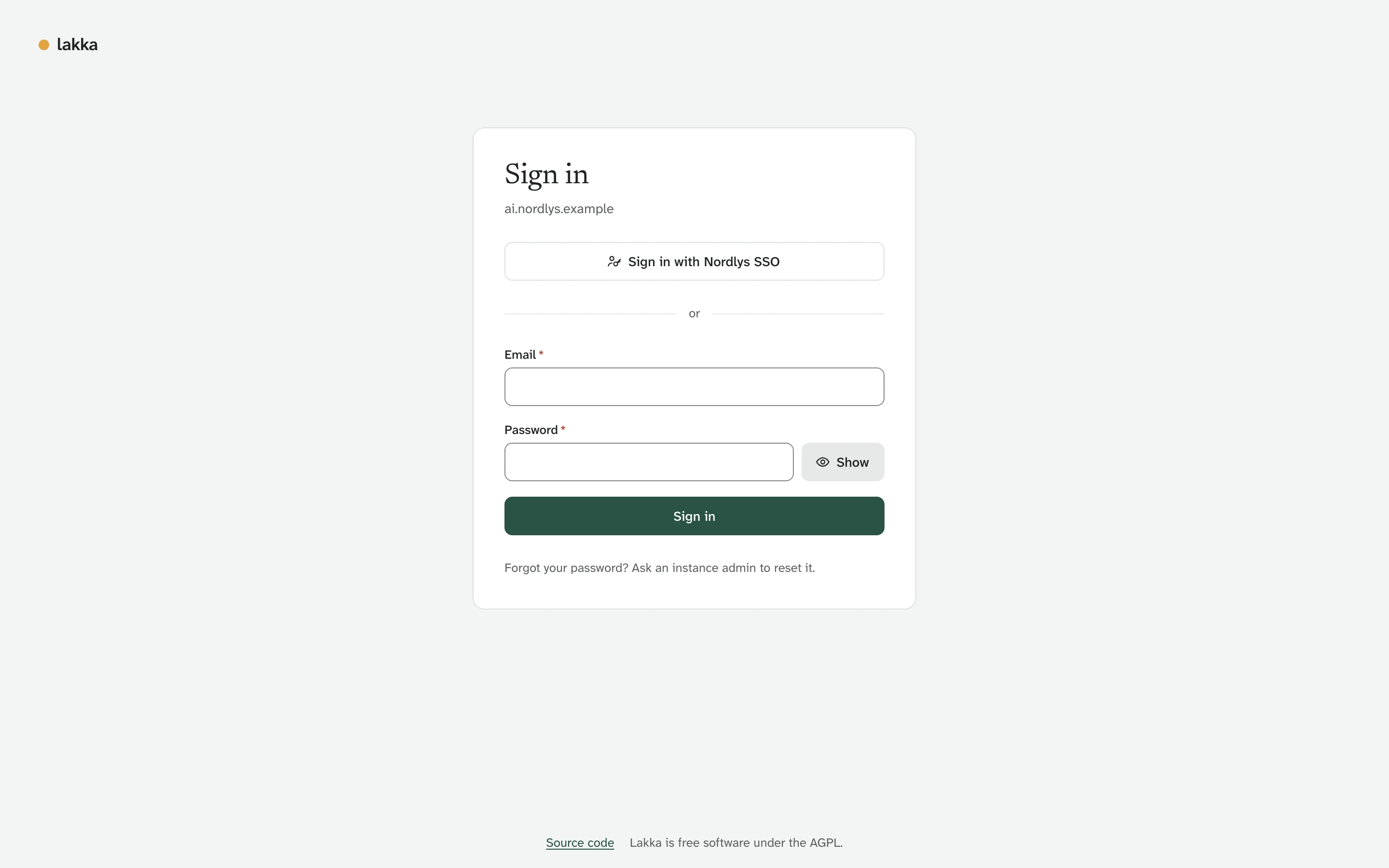
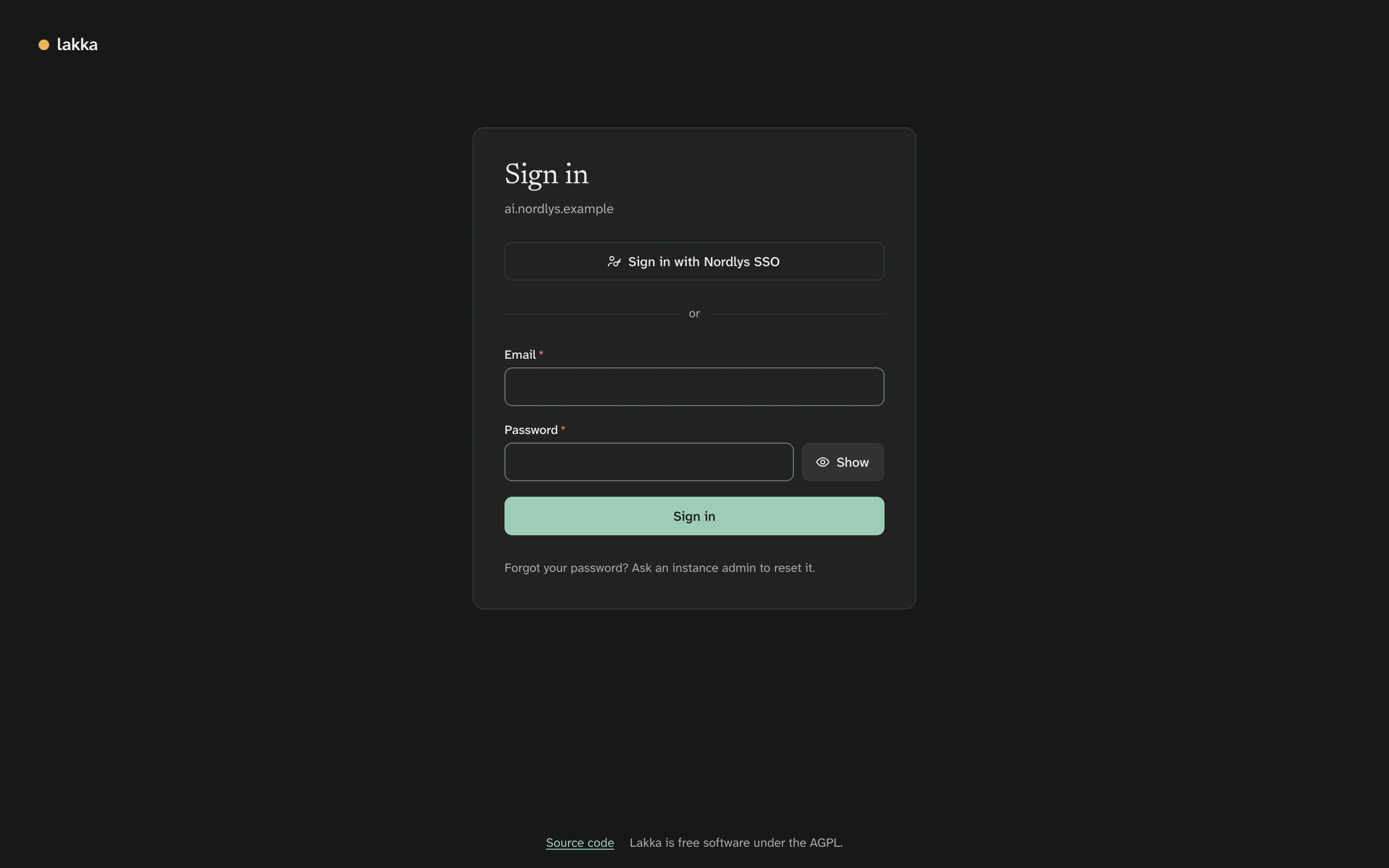
docker compose up -d --waitOpen the address, enter the setup code from docker compose exec api lakka setup-code, and create the first admin. People sign in with a password or through your own OpenID Connect provider. Here that is Nordlys SSO. Install has the details.
Bring your own model keys
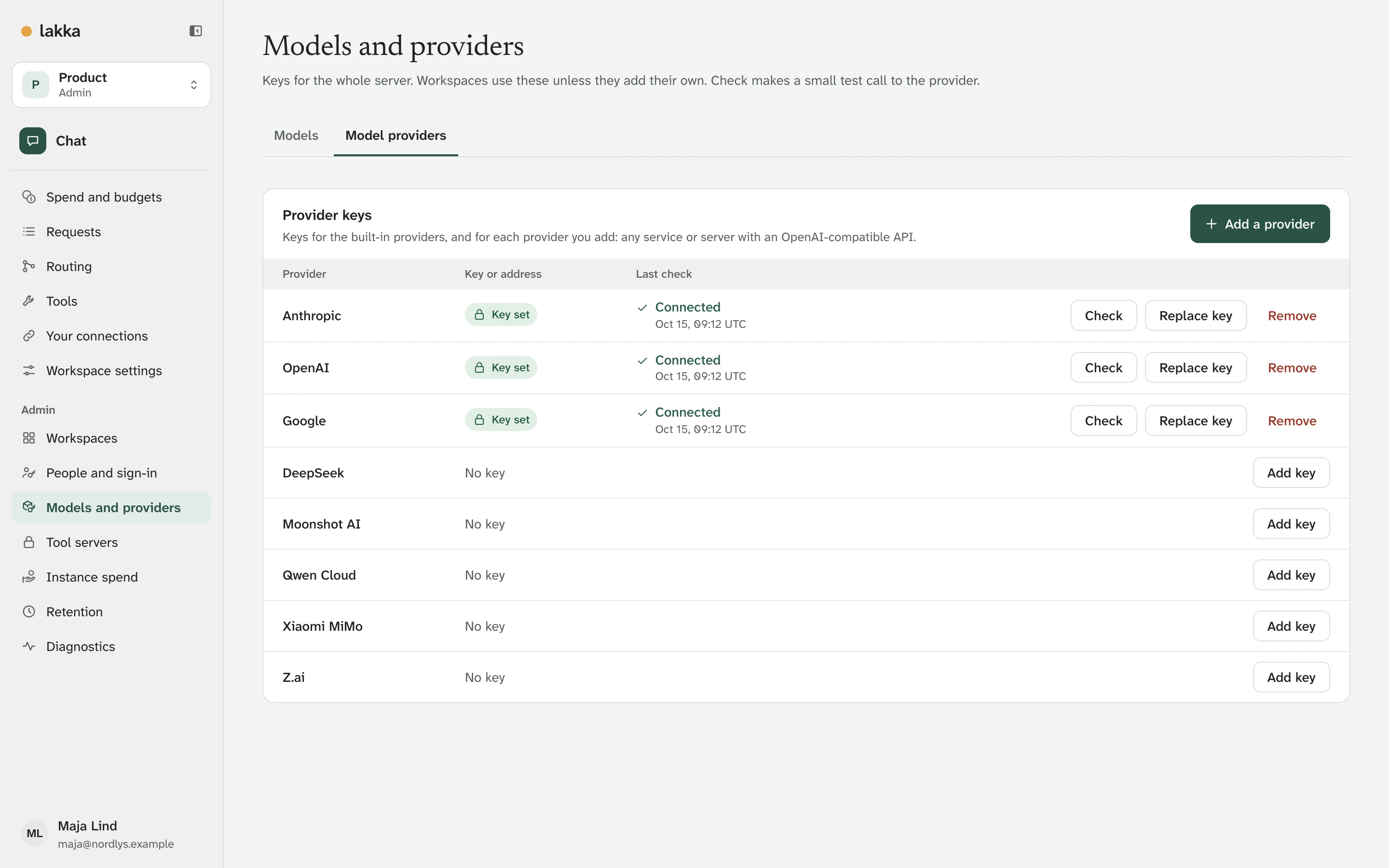
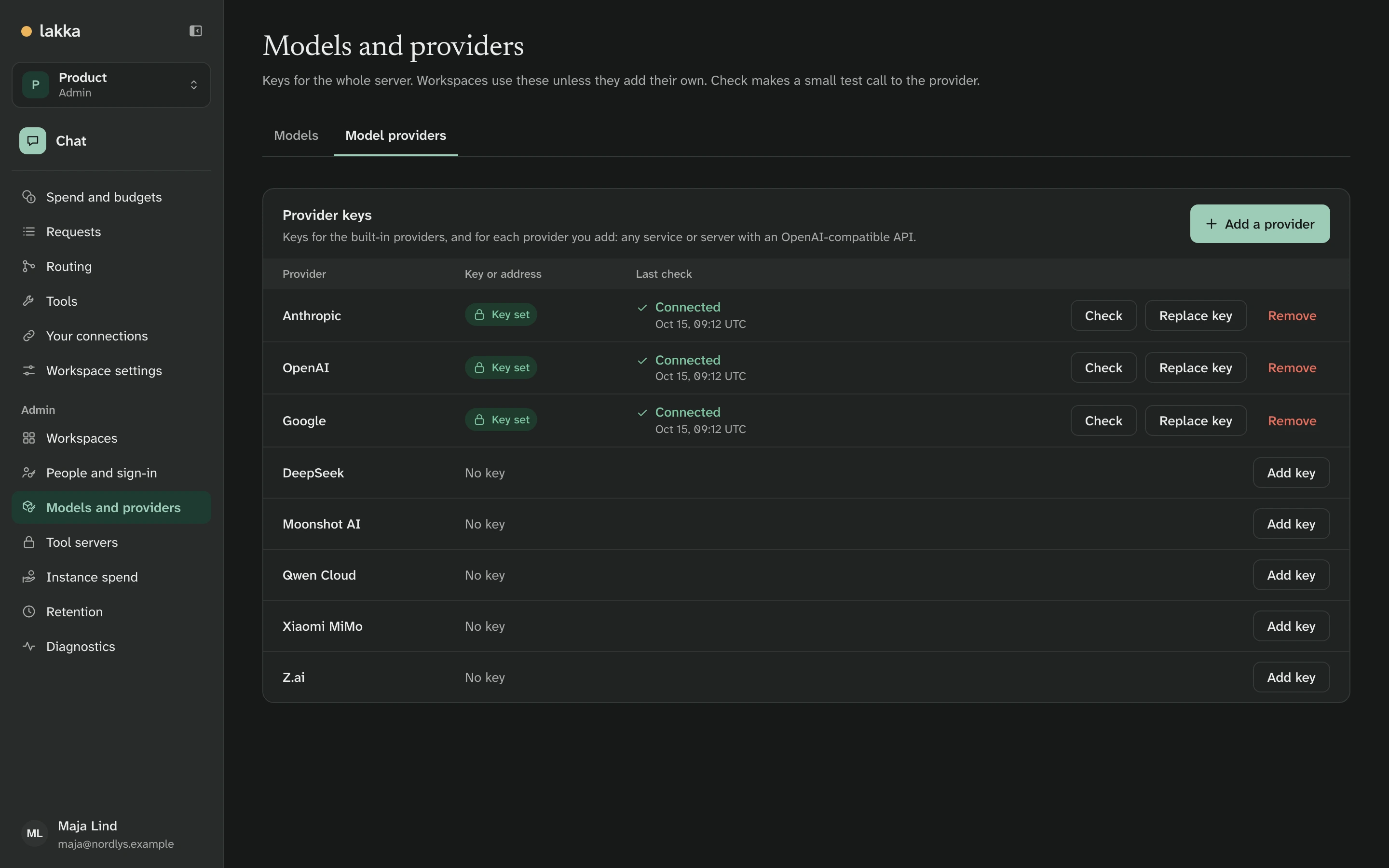
Add a key for each provider you use. Lakka does not host models or resell access to them: it sends each request to your account, at your price, and knows that price before it sends anything.
People and workspaces
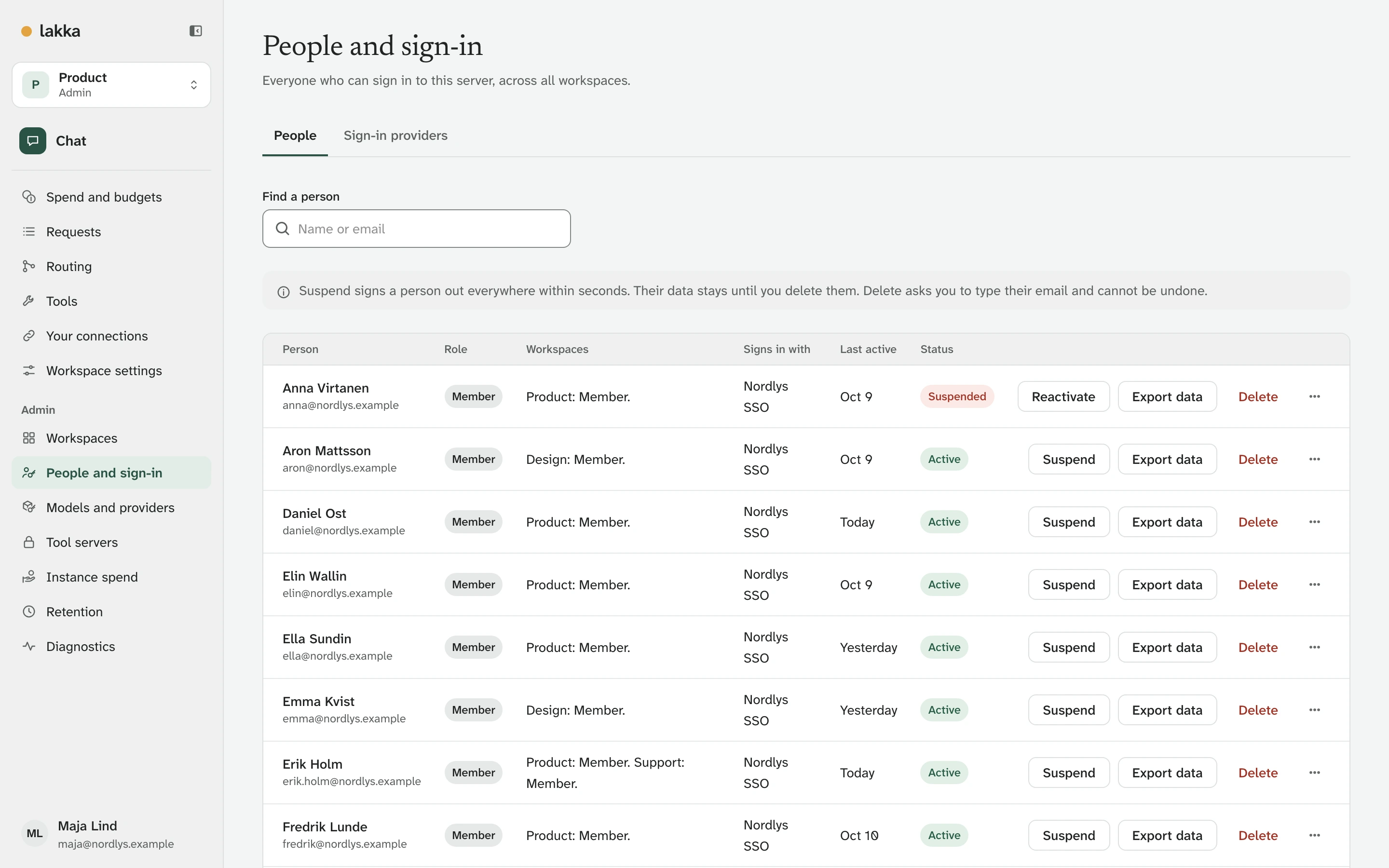
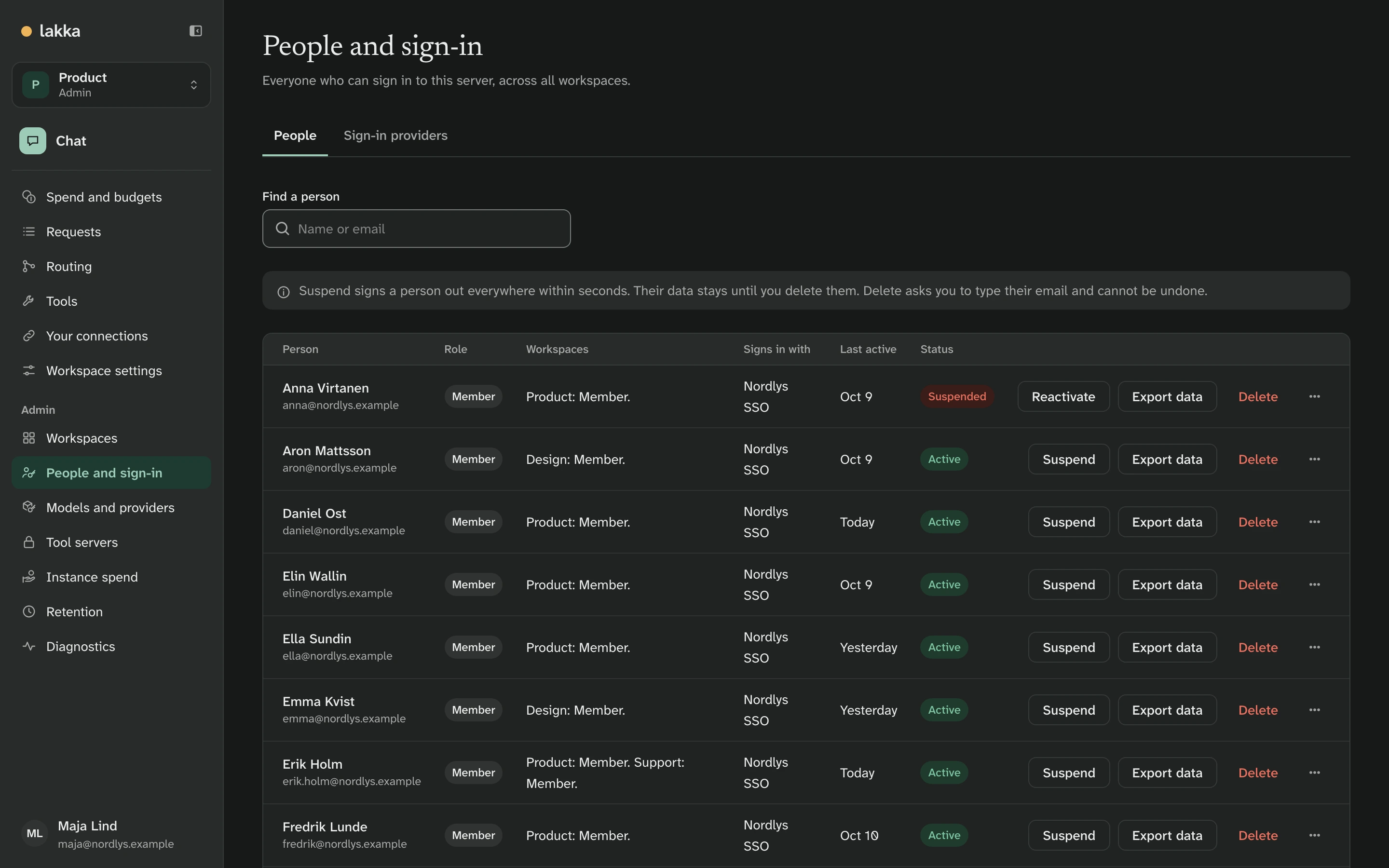
Everyone who can sign in is on one page, with their workspaces and how they sign in. Suspending someone signs them out everywhere within seconds.
The right model for each conversation
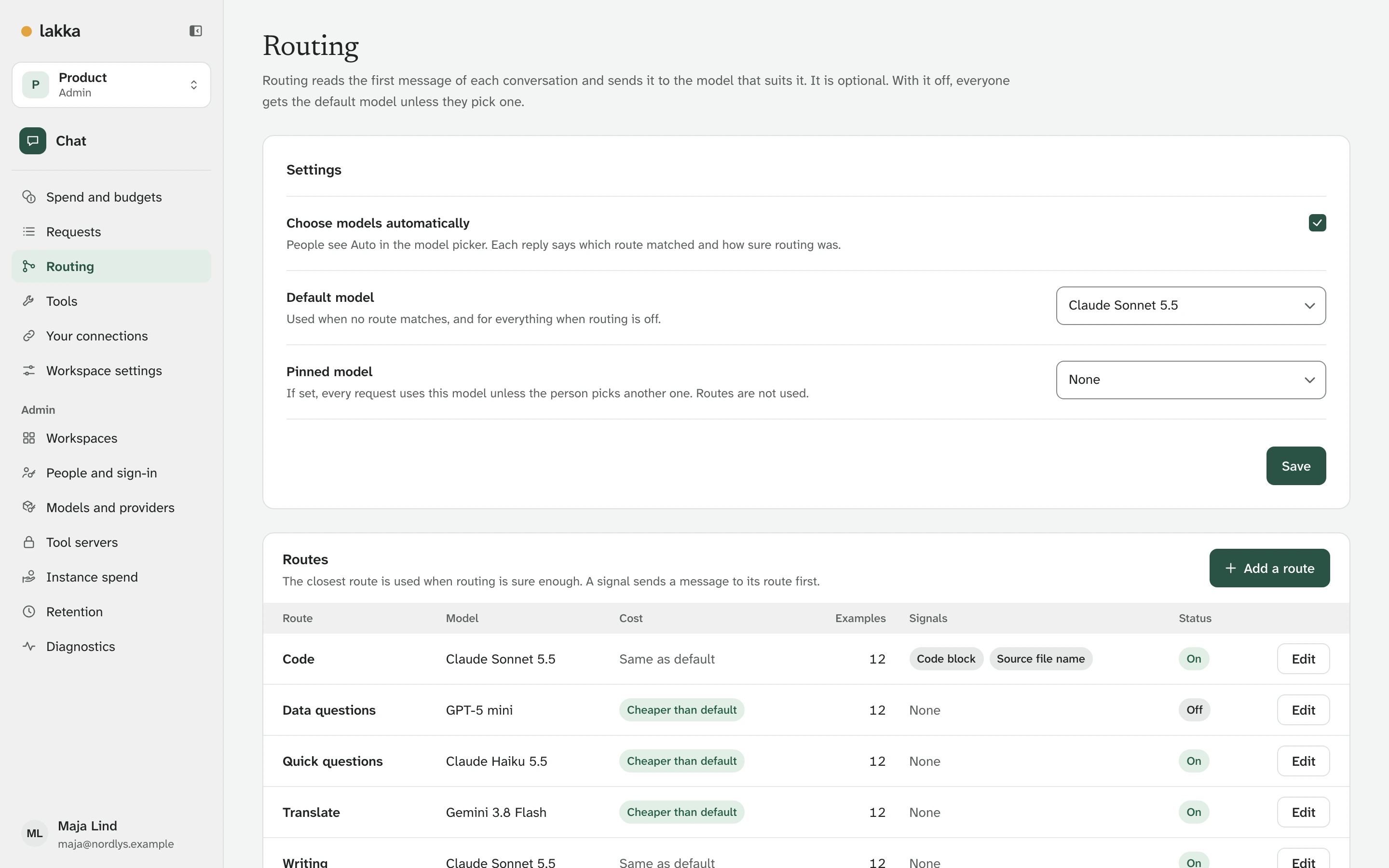
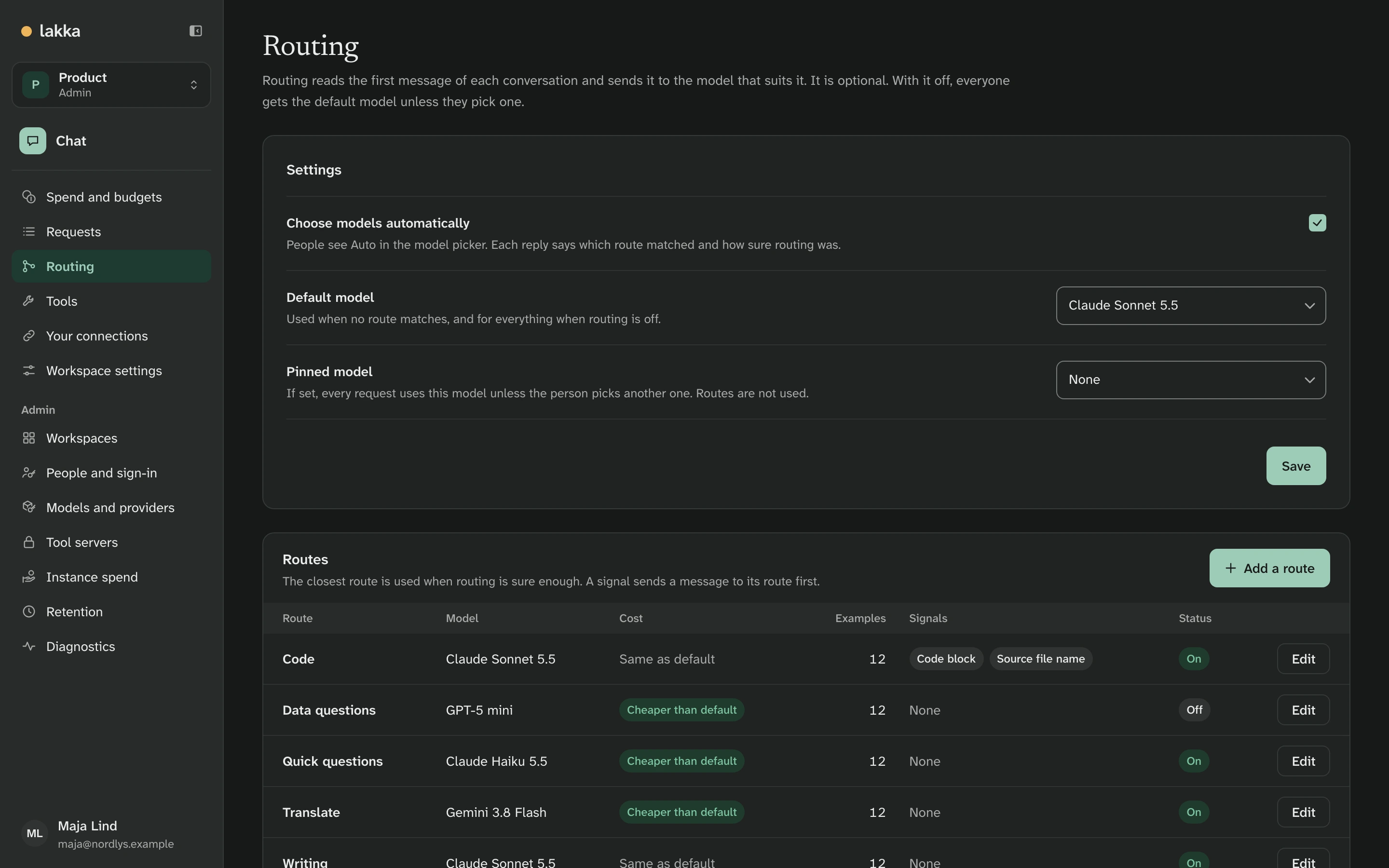
Routing reads the first message of a conversation and sends it to the model its routes pick: code to the strongest model, quick questions and translations to cheaper ones. The classifier runs inside the image, offline. The same routes apply to any app that connects through the API and asks for the model auto. Routing is optional; with it off, everyone gets the default model.
Caps that hold
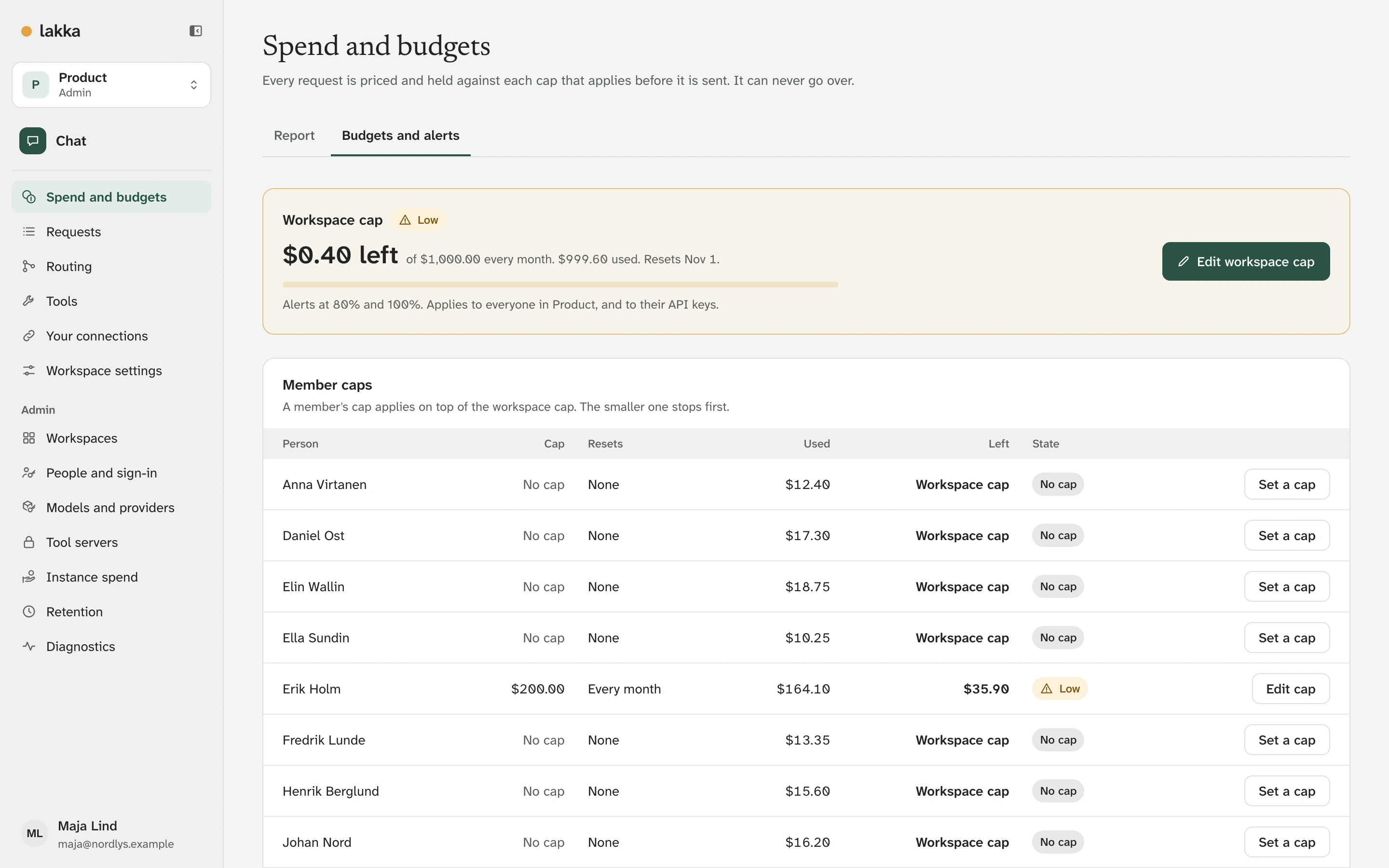
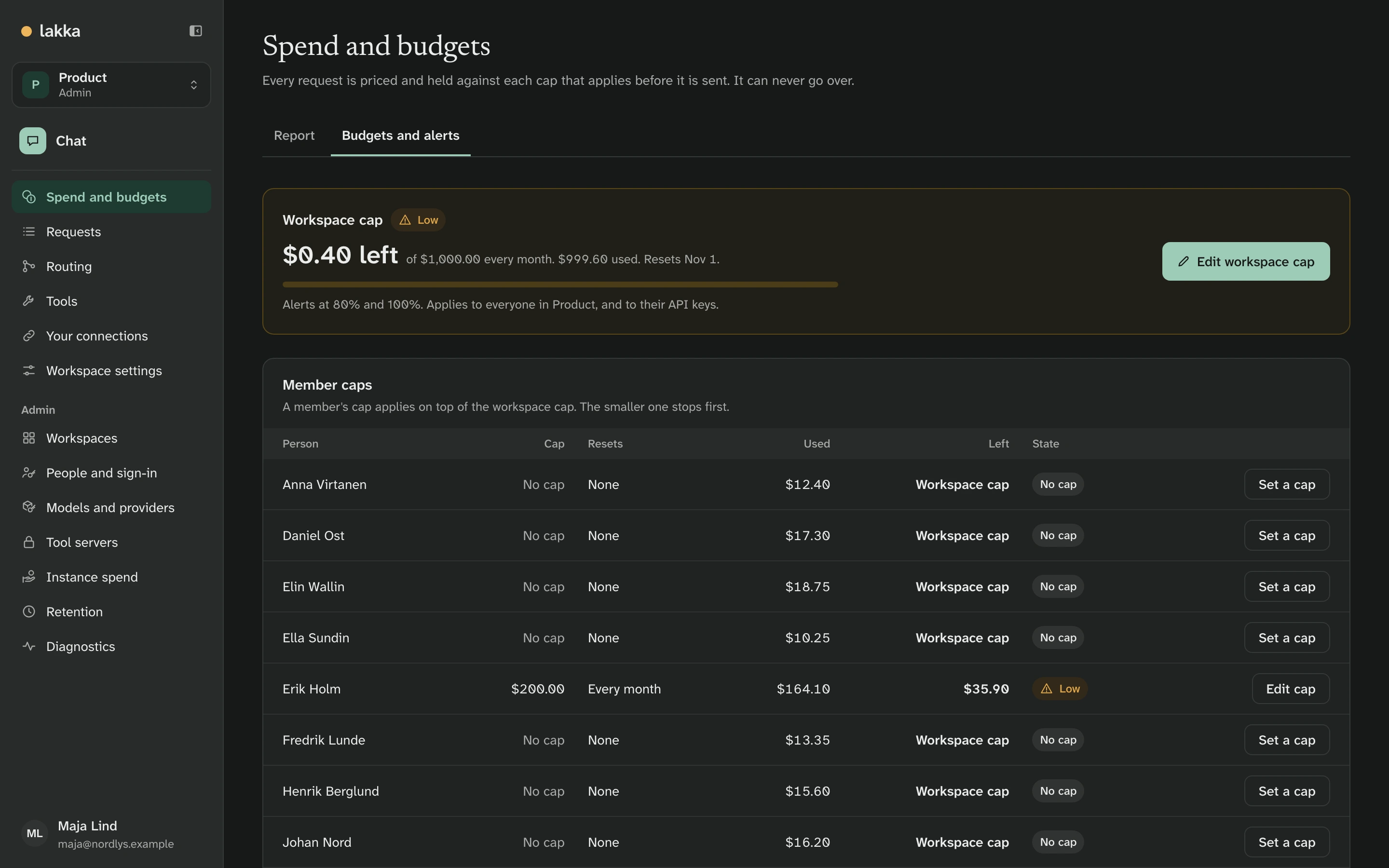
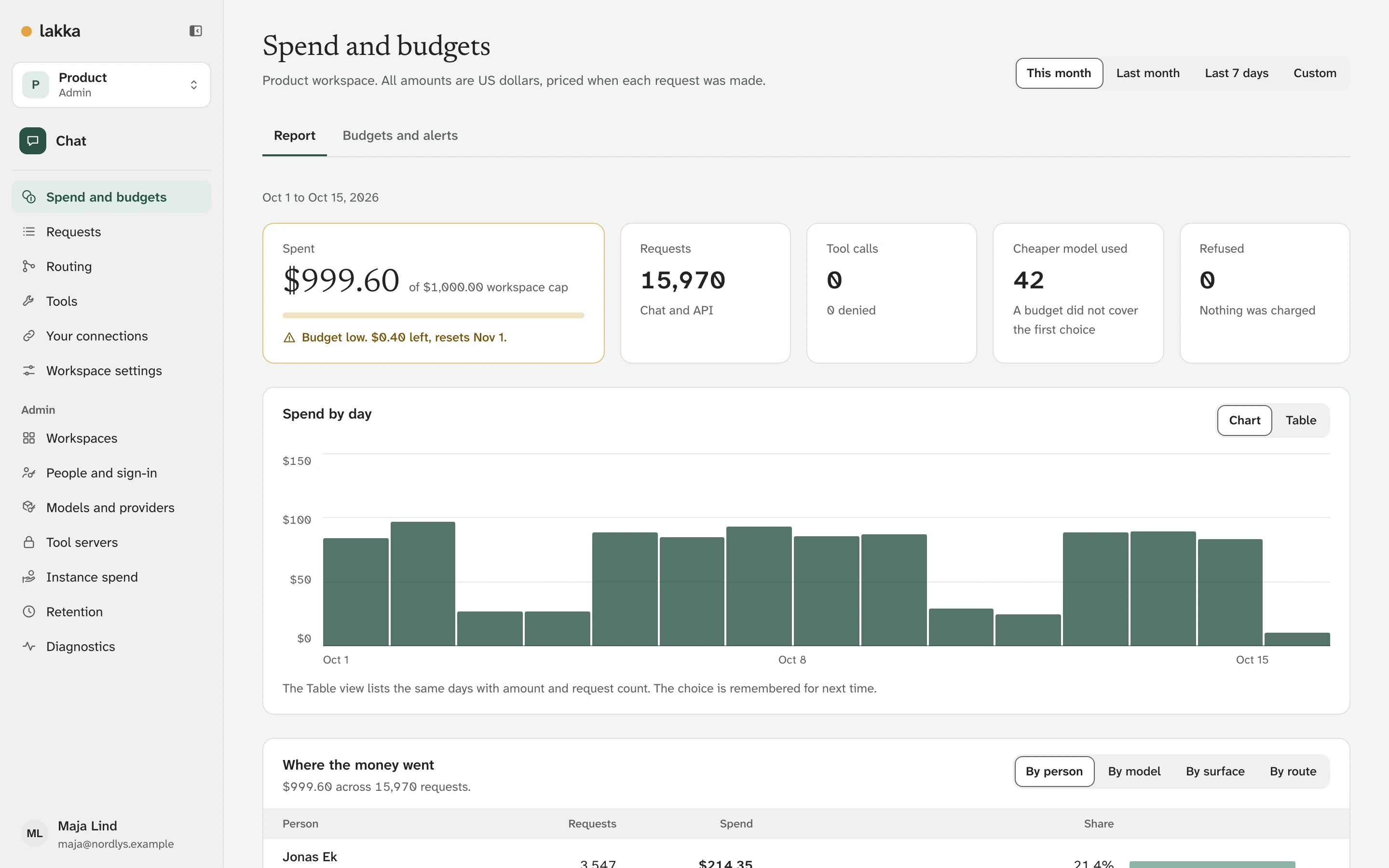
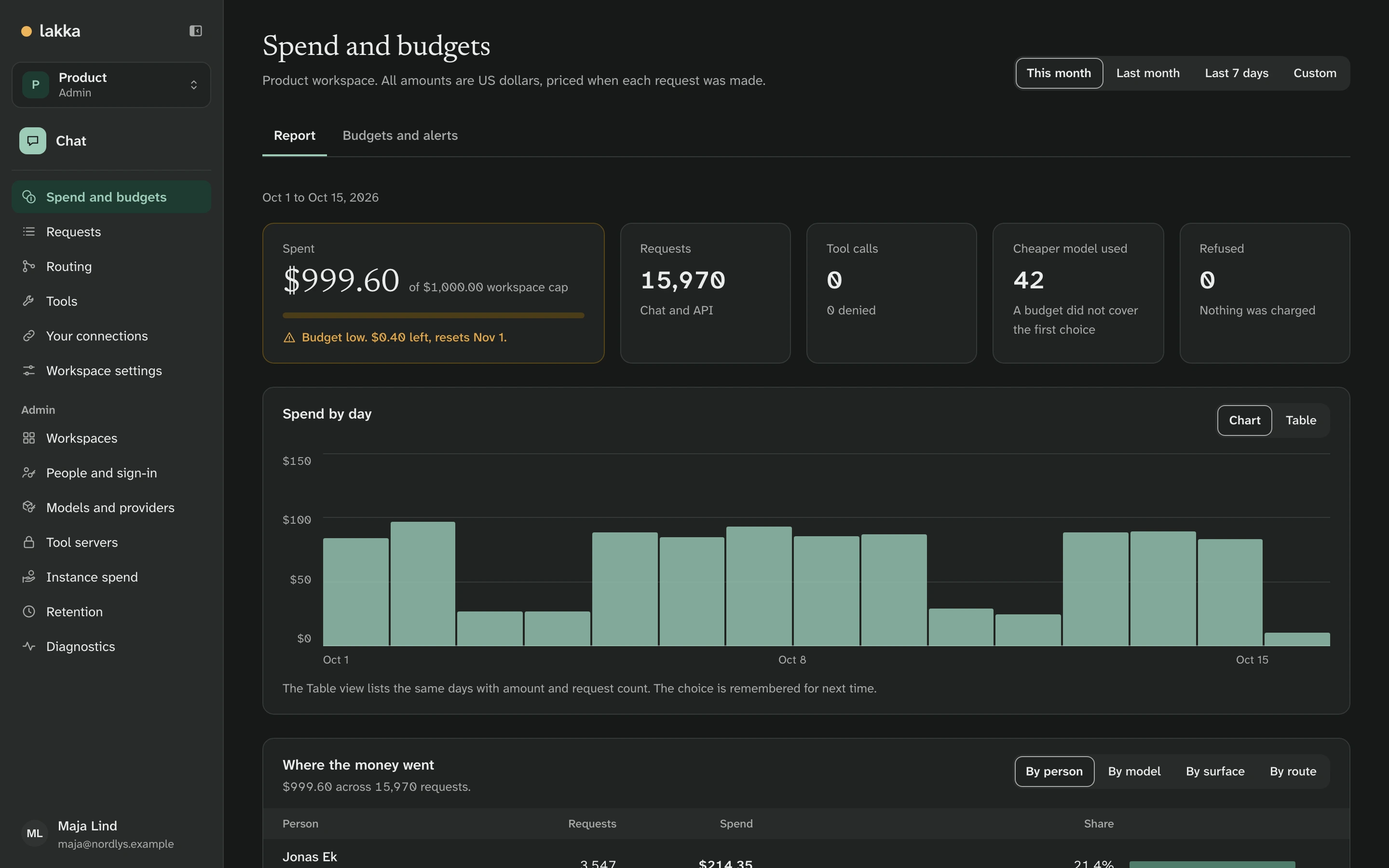
Caps can be set for the whole server, a workspace, a person in a workspace and an API key. Before a request is sent, its highest possible cost is held against every cap that applies. It can never go over. Product has $0.40 left of its $1,000.00 this month, and Erik has $35.90 of his $200.00.
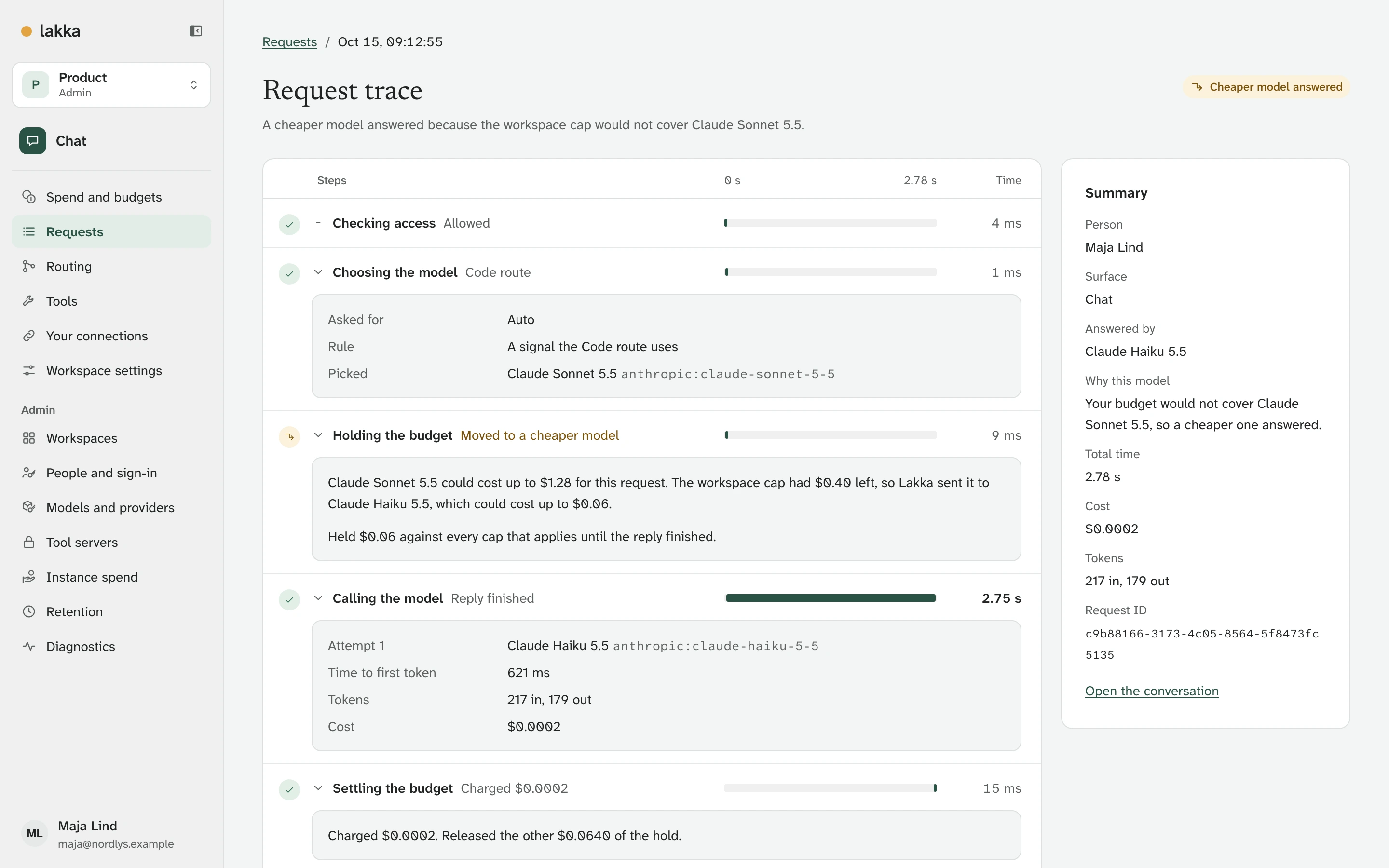
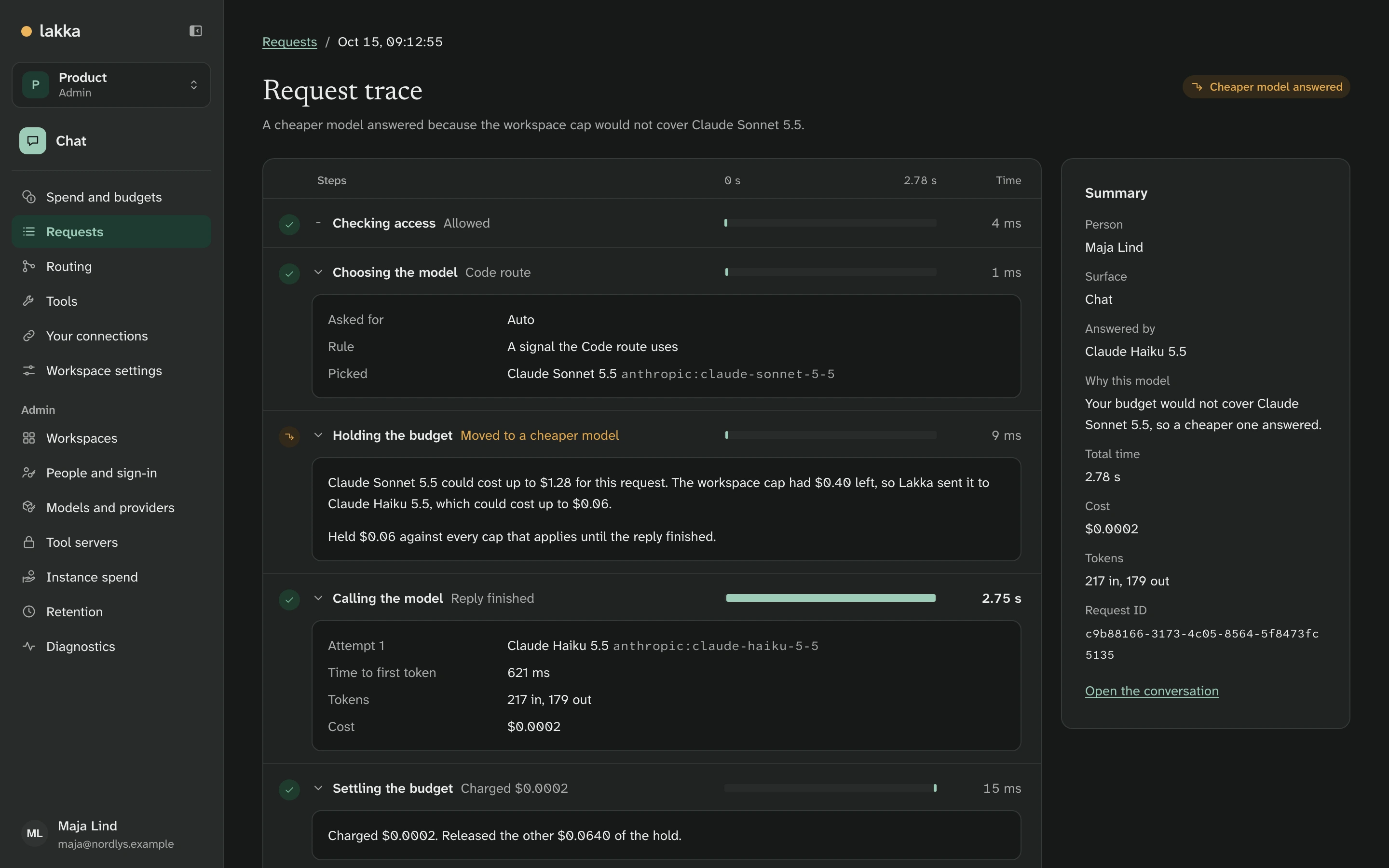
So when Maja asks for a code review, the Code route picks Claude Sonnet 5.5, which could cost up to $1.28 for this request. That does not fit in $0.40, so Lakka sends it to Claude Haiku 5.5, the route's fallback, and says so in the reply.
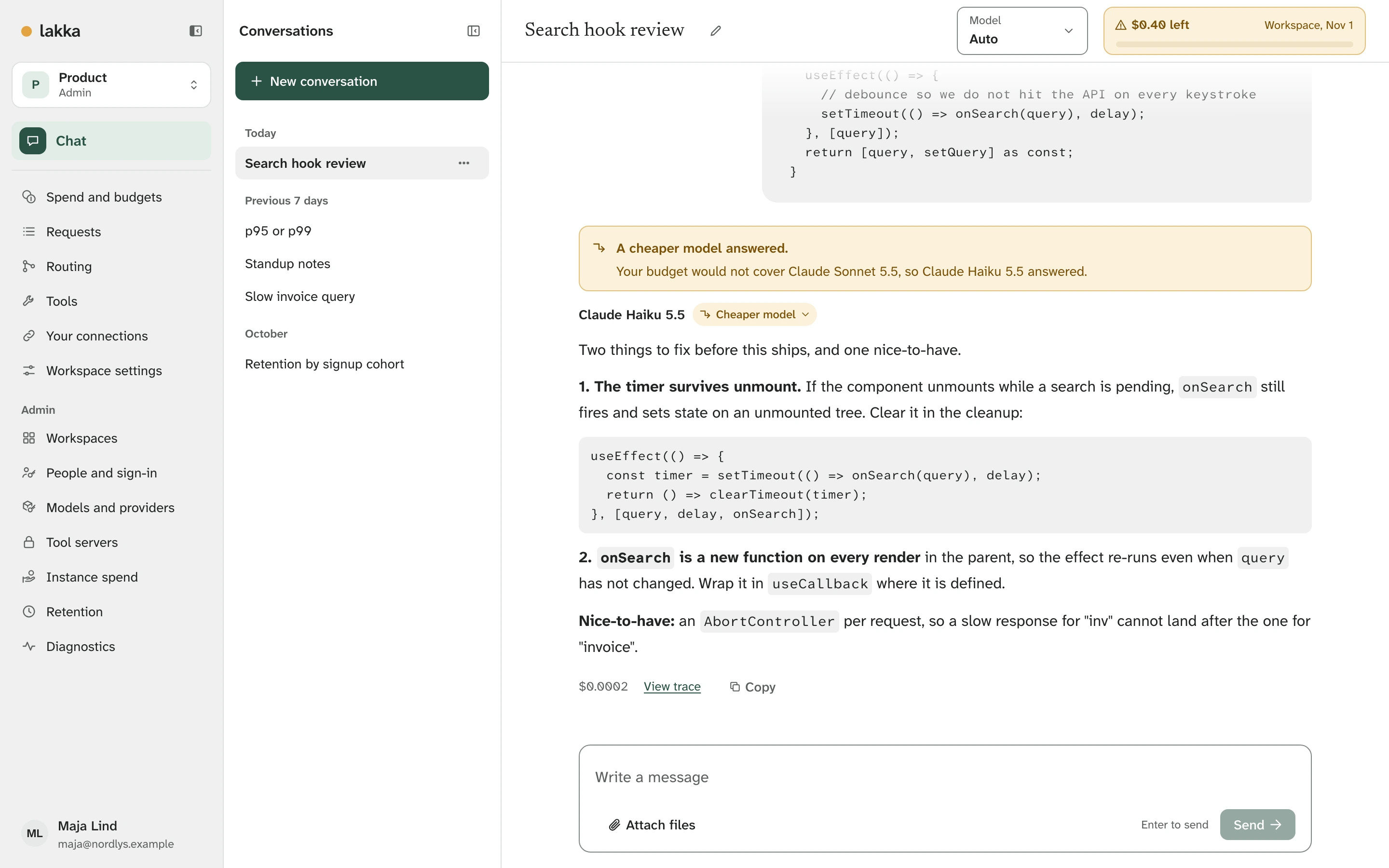
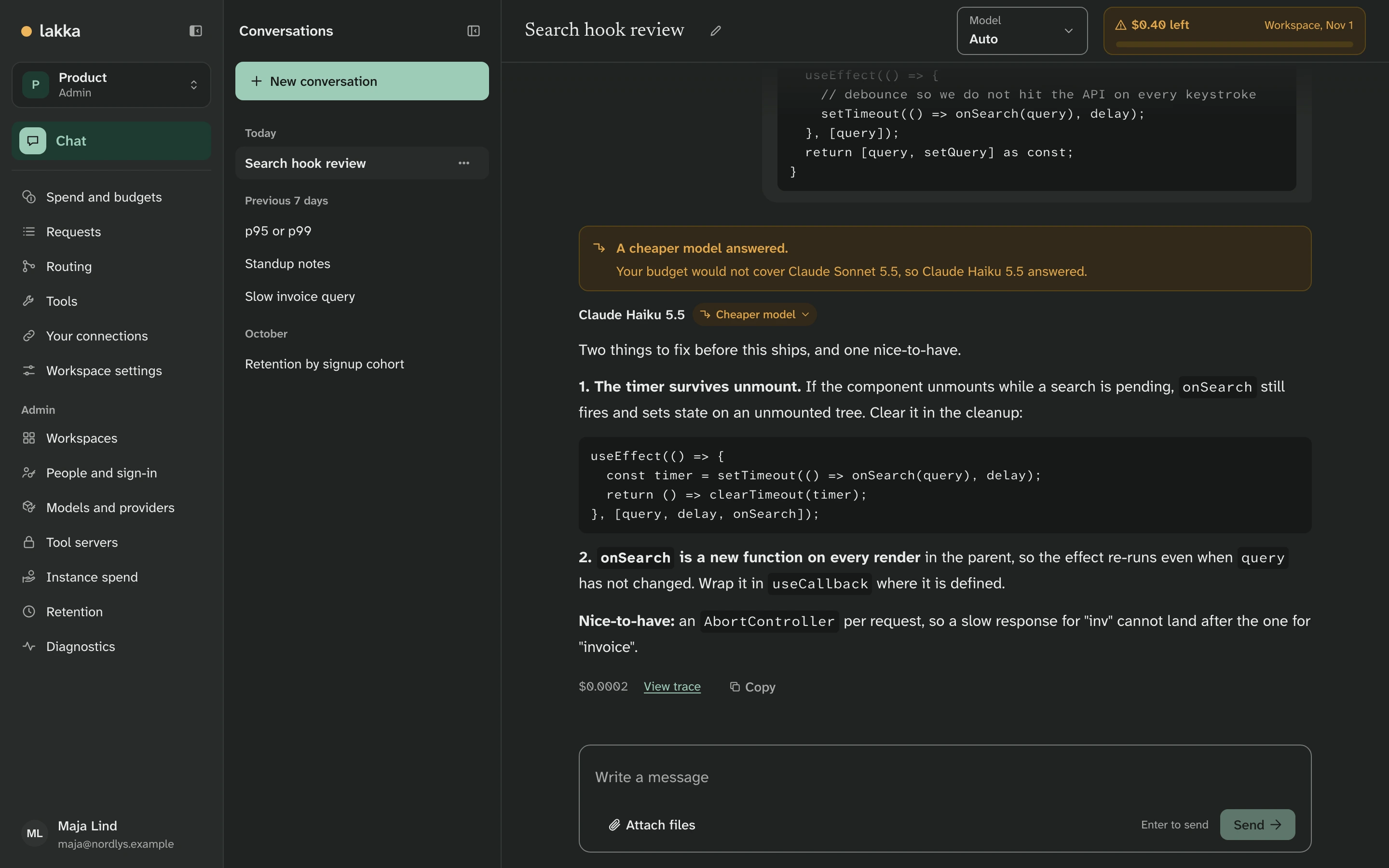
The same thing as it happens, in twelve seconds:
If nothing fits, the request is refused before any model is called, and nothing is charged.
Every request is traced
Each request records who sent it, from where, which model answered and why, how long it took and what it cost. An admin sees everyone's; a member sees their own.
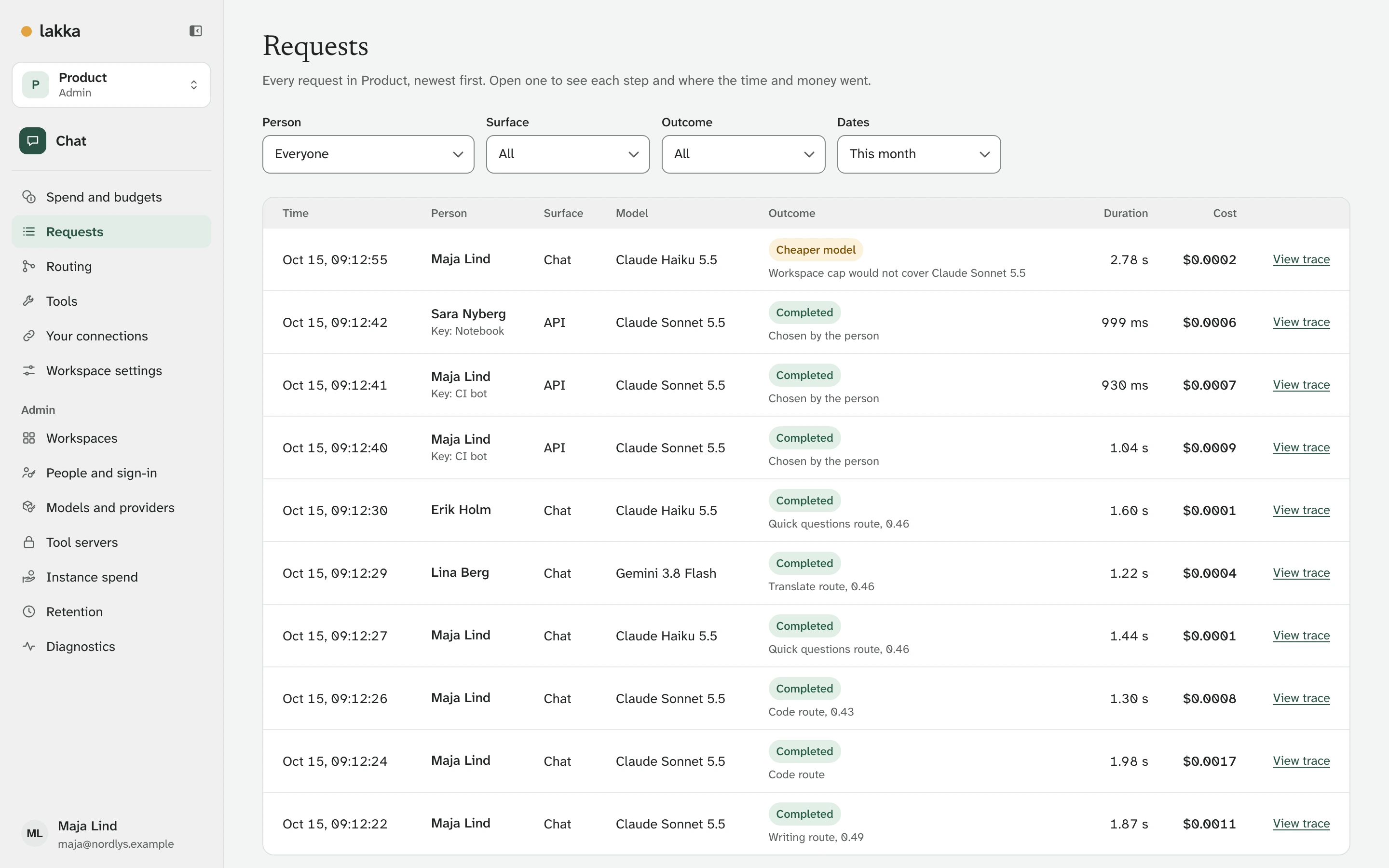
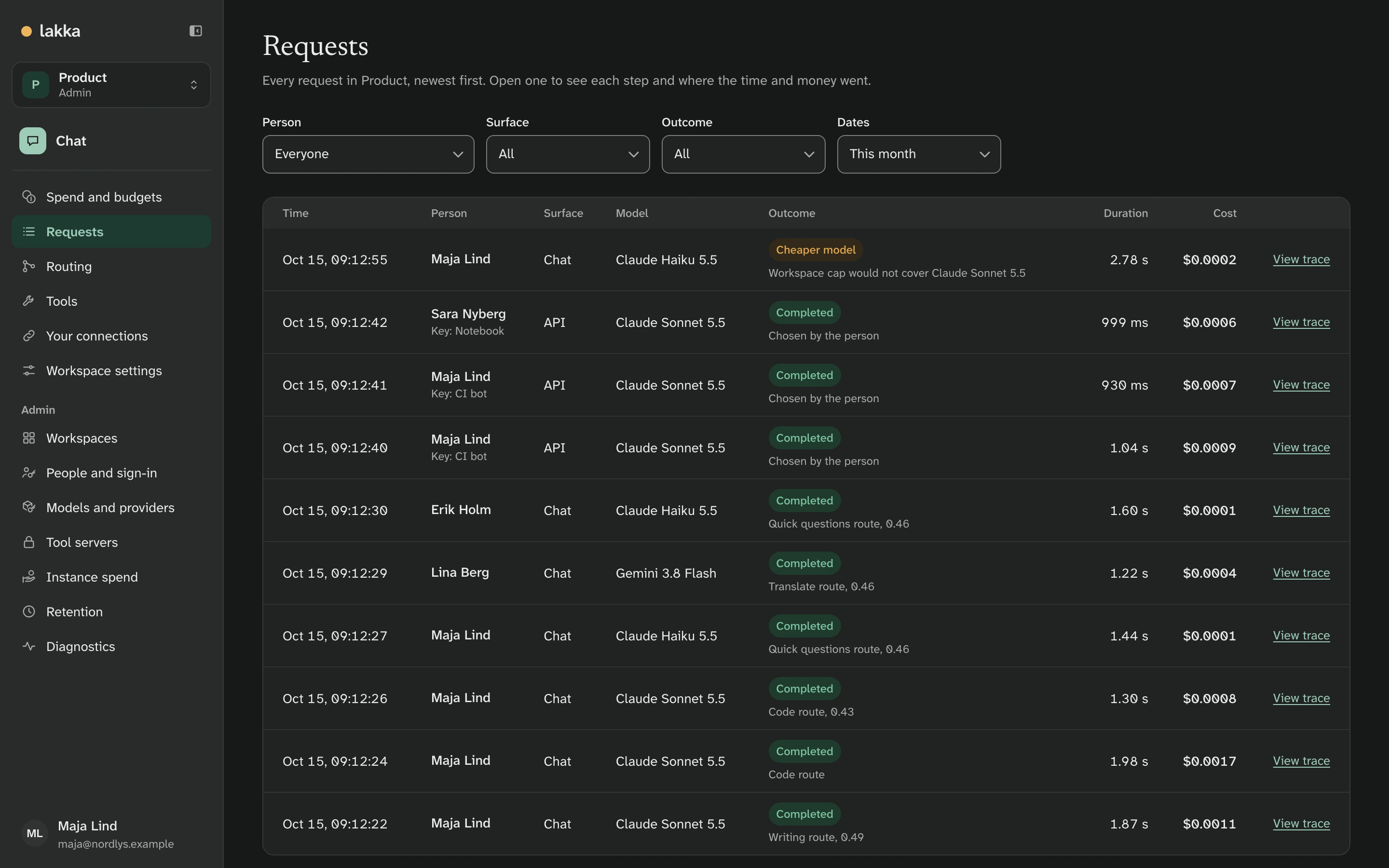
A trace shows each step. This is the code review from above: the route picked Sonnet, the budget moved it to Haiku, and Lakka held $0.06, charged $0.0002 and released the rest.
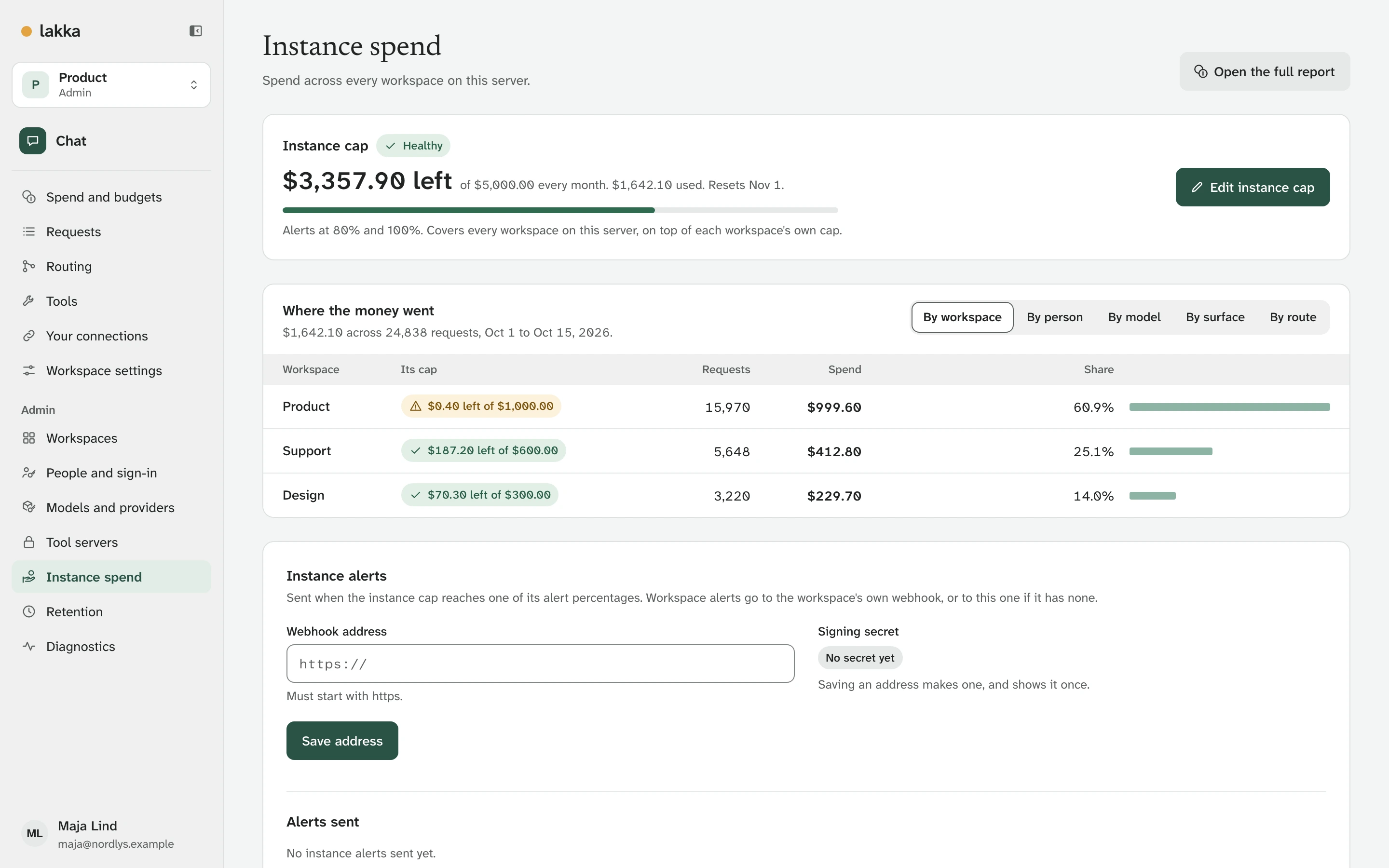
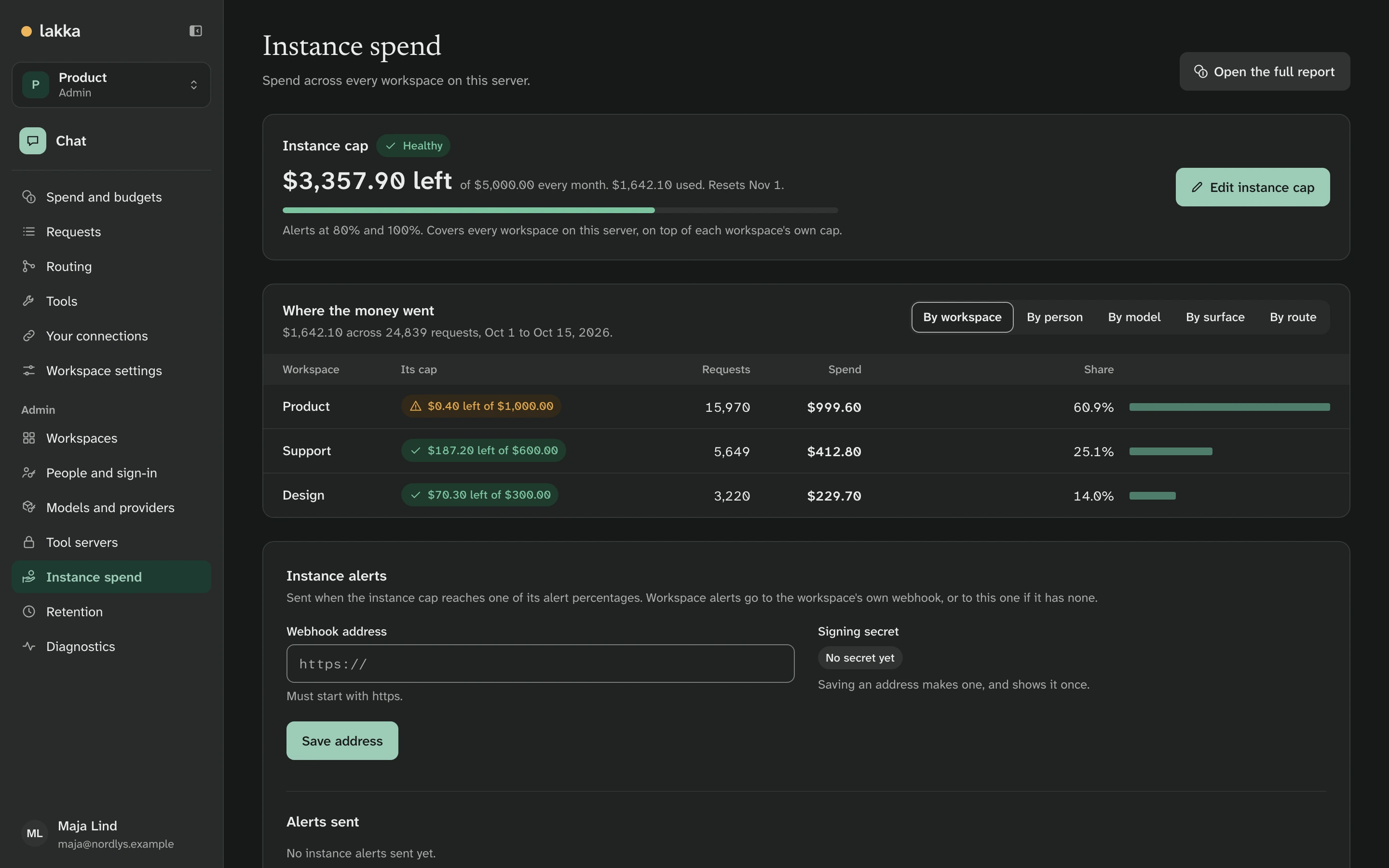
Where the money went
Spend by day, person, model, surface and route, for a workspace or the whole server.
Tools that ask first
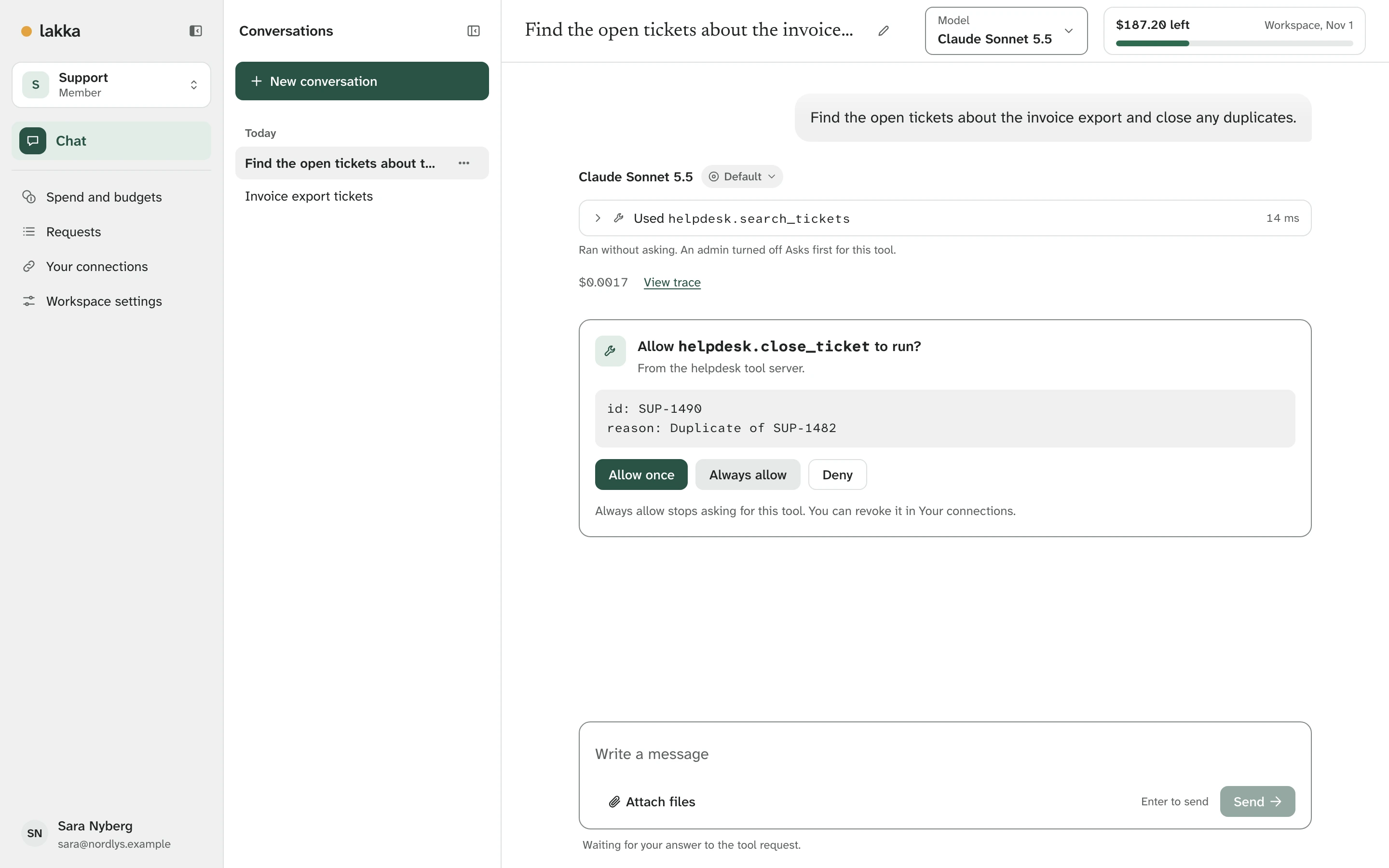
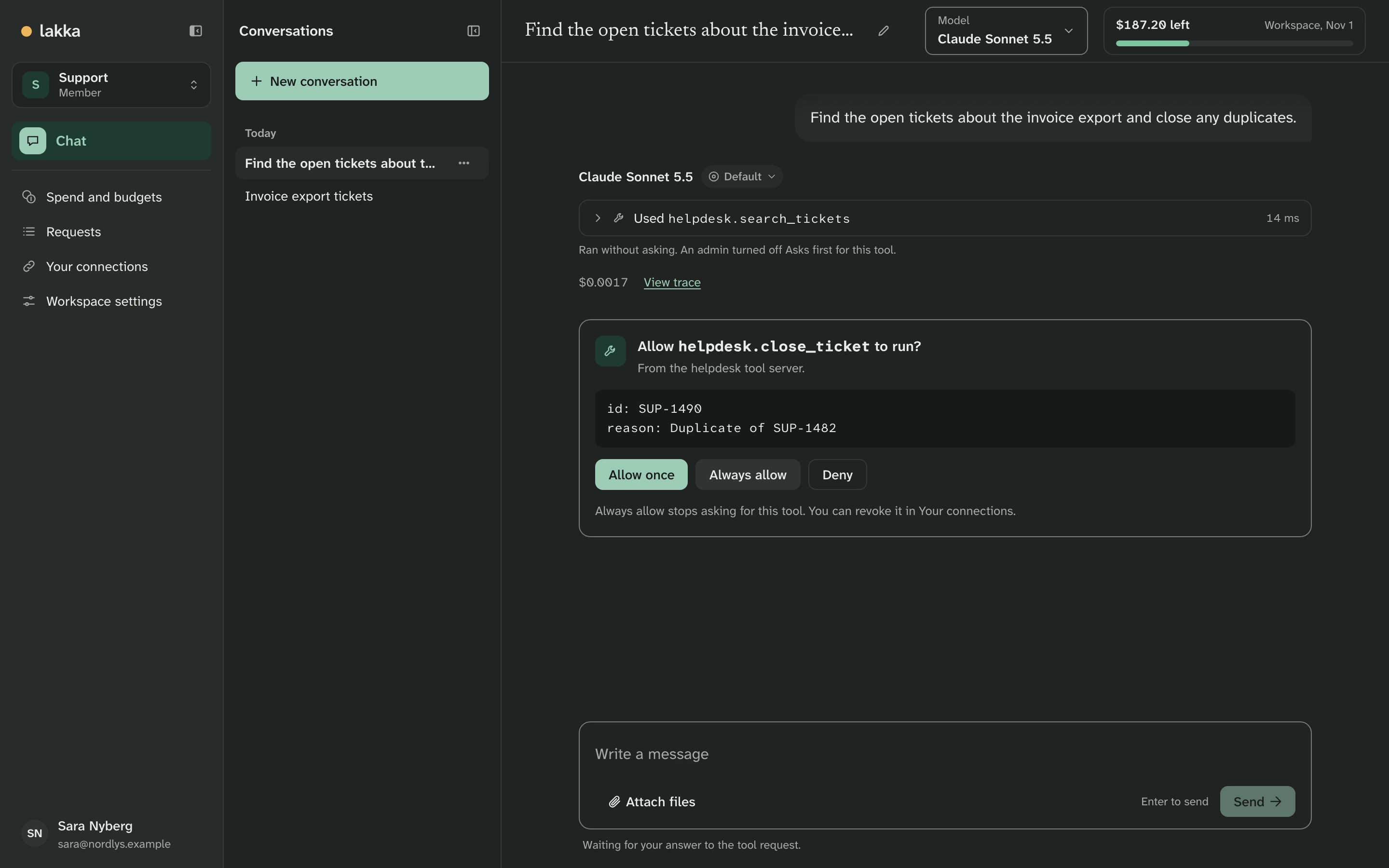
A workspace adds MCP tool servers and picks which tools models may use. A tool that changes something asks the person first. Tools run as the person asking, so a tool can never do what they are not allowed to do. Command-line tool servers run in a sandbox.
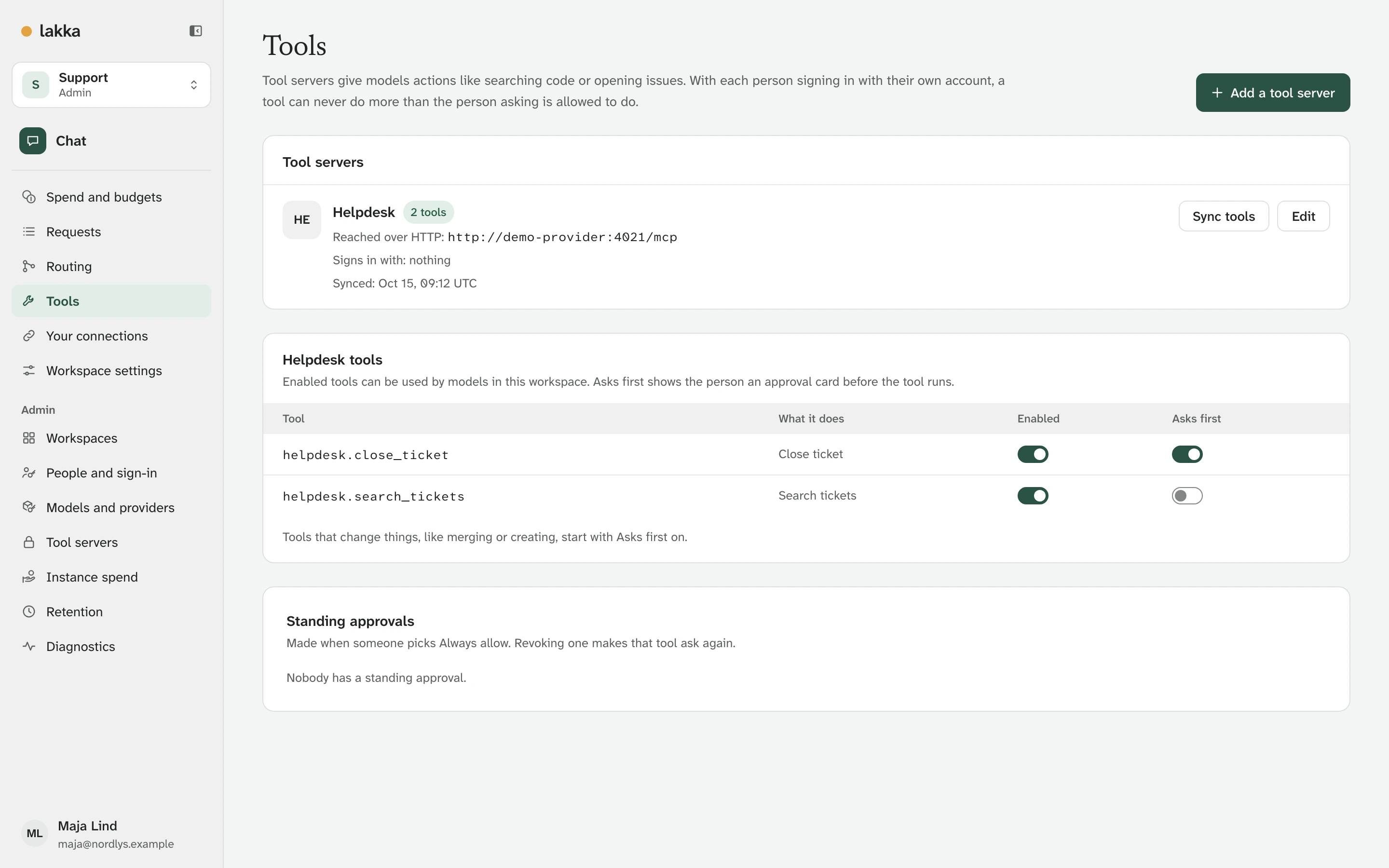
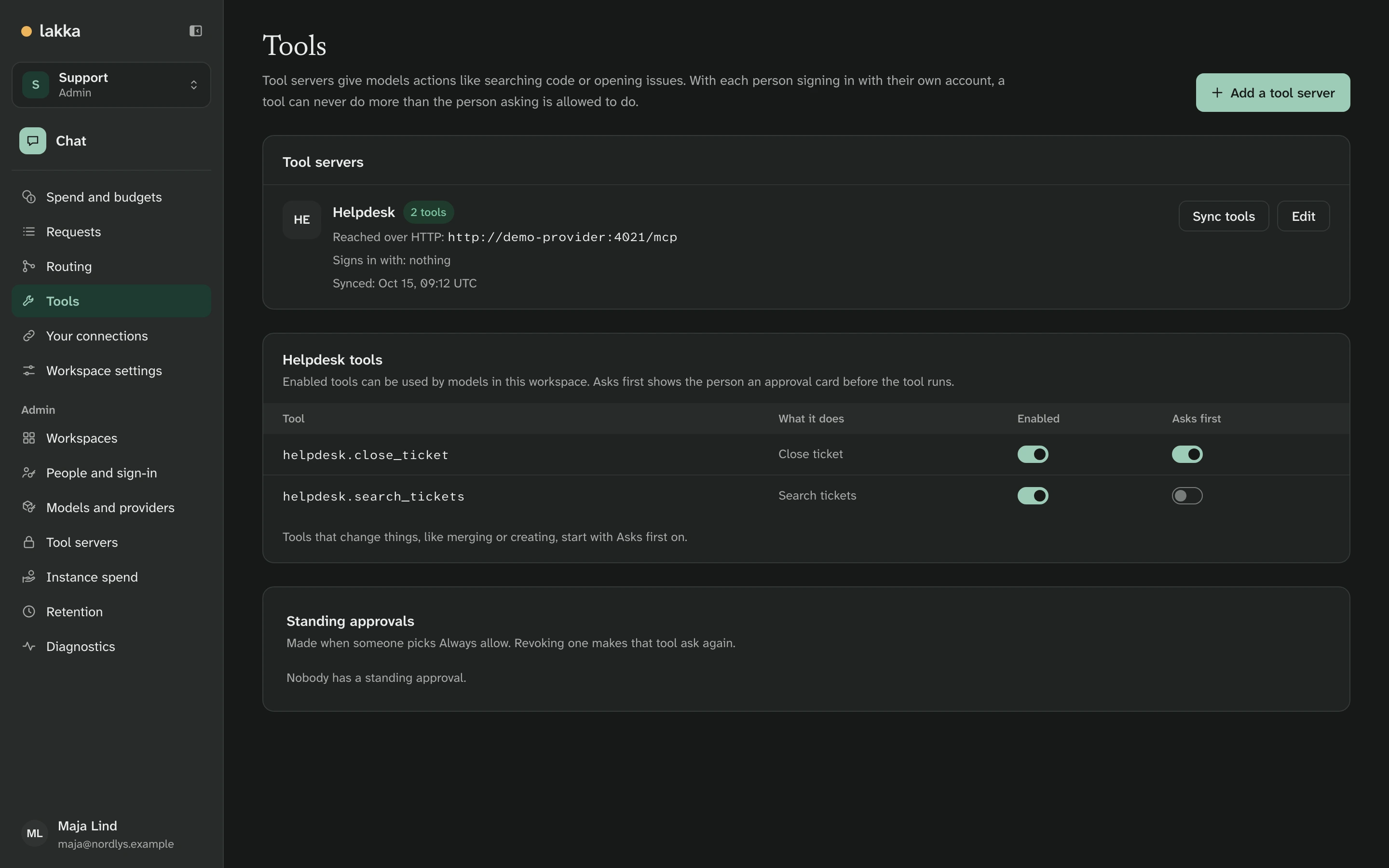
Sara asks for duplicate tickets to be closed. Searching runs at once; closing waits for her.
The same rules from your own apps
Nobody has to use Lakka's chat. Each person can make API keys for the apps, coding harnesses and scripts they already use. A key acts for the person who made it and spends against their caps, and can have a cap of its own. The API is OpenAI-compatible, so the official SDKs, Open WebUI and LibreChat work unchanged, and a request for the model auto is routed the way chat is:
curl https://ai.nordlys.example/v1/chat/completions \
  -H "Authorization: Bearer lk_..." \
  -H "Content-Type: application/json" \
  -d '{"model": "auto", "messages": [{"role": "user", "content": "Hello"}]}'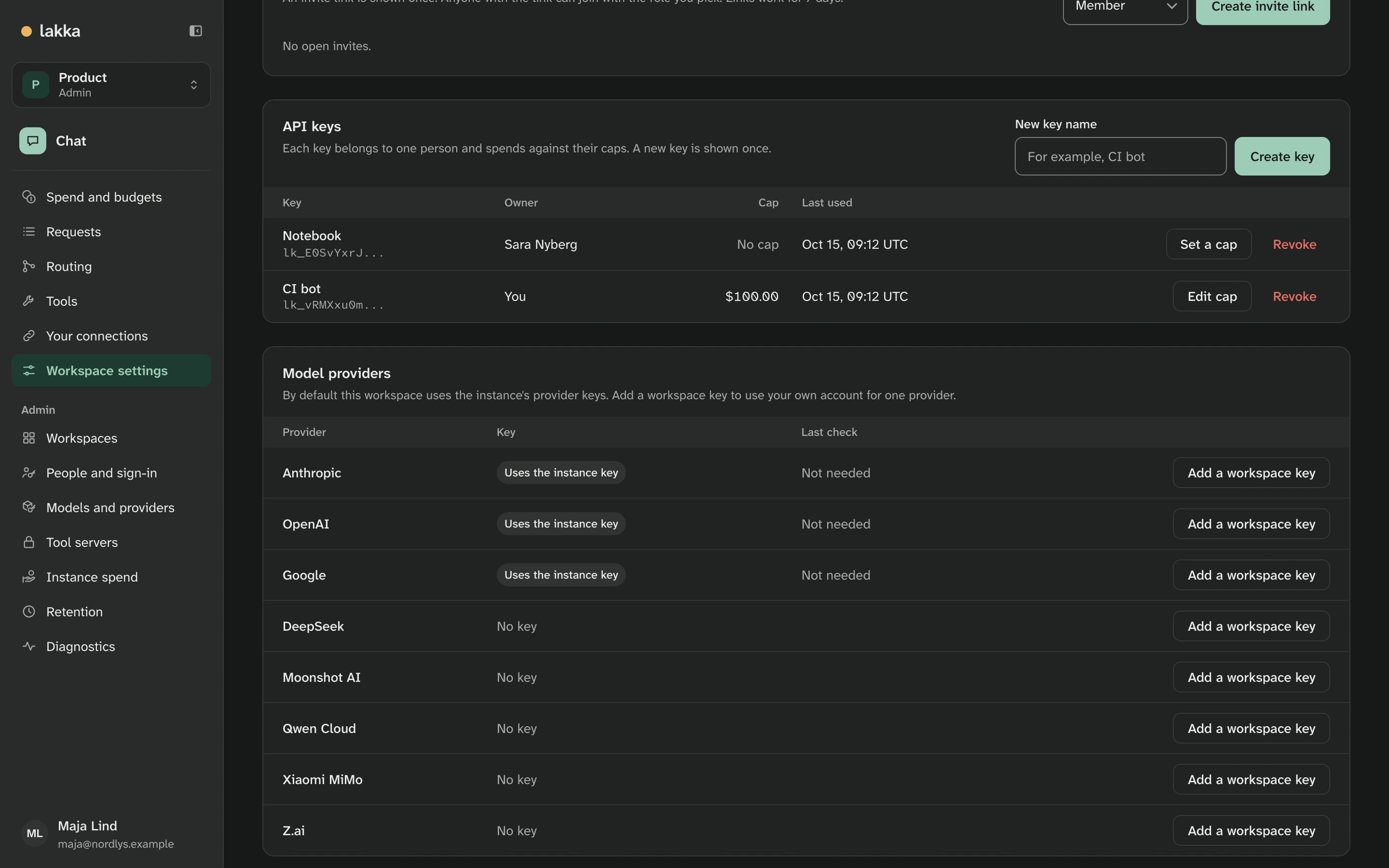
The API covers the details.
Try it
Install takes about ten minutes. Lakka is free software under the AGPL-3.0.
How these screenshots are made
From a checkout, with Docker running:
LAKKA_HTTP_PORT=8090 LAKKA_HTTPS_PORT=8453 docker compose -p lakka-demo -f compose.yaml -f docker/compose.demo.yaml up -d --wait
pnpm demo:seed
pnpm demo:capture
The demo runs as a separate compose project, so it never touches another install's data. The seed needs a fresh one; docker compose -p lakka-demo down -v removes it.